Steam Trade URL Guide
Your Steam trade URL lives at steamcommunity.com/my/tradeoffers — open Trade Offers, click “Who can send me Trade Offers”, and copy the Third-Party Sites URL. This guide shows exactly where, then how to use it on tf2cart.
tf2cart is independent and is not affiliated with Valve or Steam. Steam sign-in uses official Steam OpenID on steamcommunity.com; tf2cart never asks for your Steam password.
Open profile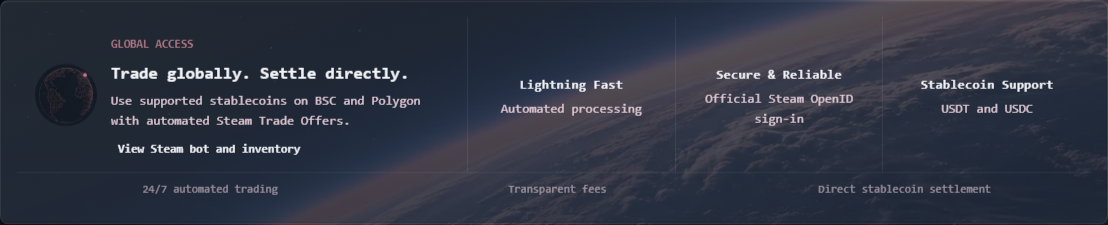
Your Steam trade URL is here: steamcommunity.com/my/tradeoffers
Open your Steam Inventory, click Trade Offers, then click Who can send me Trade Offers. The URL under Third-Party Sites is your trade URL — copy it from there. On tf2cart, paste it into your profile once and every future trade uses it.
Why it is needed
The automated Steam bot needs your trade URL to send buy offers for TF2 keys and receive sell offers from your inventory. Without a valid trade URL, automated TF2 key trading cannot complete.
When to update it
Update your trade URL in your profile if Steam regenerates your token or if trade offers fail because the previous URL is no longer valid.
Account safety
tf2cart is not affiliated with Valve or Steam. Sign-in redirects to official Steam OpenID on steamcommunity.com, your Steam password is never shared with tf2cart, and every offer is confirmed through Steam.
Steam safety checklist
Before trading: open the official bot profile from the tf2cart homepage; confirm your latest trade URL is saved; make your TF2 inventory visible when selling; check Steam Guard, trade holds, or recent account changes; and leave enough free backpack slots for every key you are buying.
Inventory visibility and capacity
A private or unavailable TF2 inventory can prevent sell validation. A full backpack can prevent bought keys from arriving. Refresh your inventory after changing privacy, and use a Backpack Expander before buying when your remaining slots are lower than the requested key count.
Common questions
How do I get my Steam trade URL?
Go to Steam Inventory, open Trade Offers, choose Who can send me Trade Offers, then copy the trade URL from the Third-Party Sites section.
Can I trade without a Steam trade URL?
No. A valid Steam trade URL is required for automated TF2 key trade offers.
Does tf2cart need my Steam password?
No. tf2cart uses official Steam OpenID on steamcommunity.com and does not receive your Steam password.
Why did my Steam trade URL stop working?
Steam can invalidate or regenerate trade tokens. If trade offers fail, copy your latest Steam trade URL and update it in your tf2cart profile.
How do I verify the real tf2cart bot?
Use the View Steam bot and inventory link on the tf2cart homepage, then compare that Steam profile with the sender shown inside the offer before accepting.
Why can my inventory or backpack block a trade?
Selling requires the selected TF2 keys to be visible and tradable. Buying requires enough free TF2 backpack slots to receive every key in the offer. Steam trade holds or account restrictions can also stop delivery.